Seelf is an app that helps people manage their home, by bringing DIY tips to straight to you, weather you, are a home owner or just a DIY enthusiasts or just looking for a professional to manage your home maintenance Seelf helps you connect with trusted professionals, track maintenance tasks, and access valuable resources
Problems
Owning a home for the first time can be particularly challenging and exciting at the same time. Many times owners are left wondering how to keep their investment safe without breaking the bank and getting makeovers and repairs done at a competitive rate. While others may have necessary DIY knowledge, they often struggle with tracking and organizing recurring projects and task around their home
Solutions
Seelf is a mobile application that gives home owners the chance to create and monitor task and projects effectively as well as take care of large scale projects with help of professionals and keep track of the progress.
My Role
UX Researcher
UX Design
UI Design
Tools
Figma
Illustrator
Corel Draw
Timeline
7 weeks
Design and Research: 1 week
Design and iterations: 5 weeks
Process
Research and interviews
Conceptualization
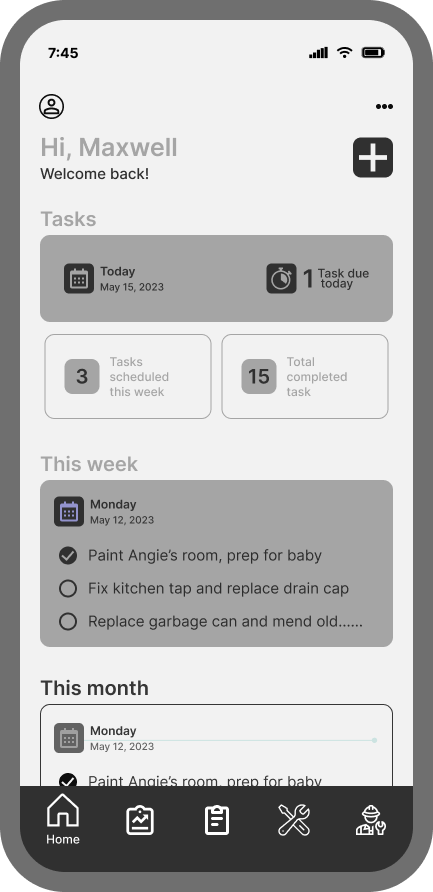
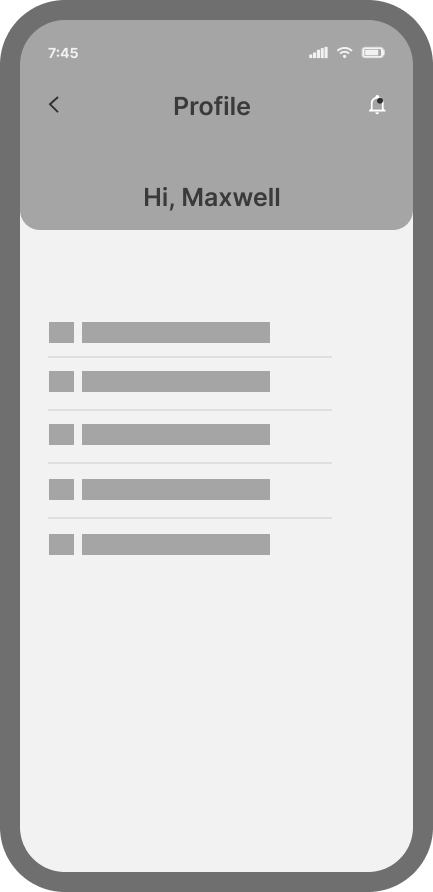
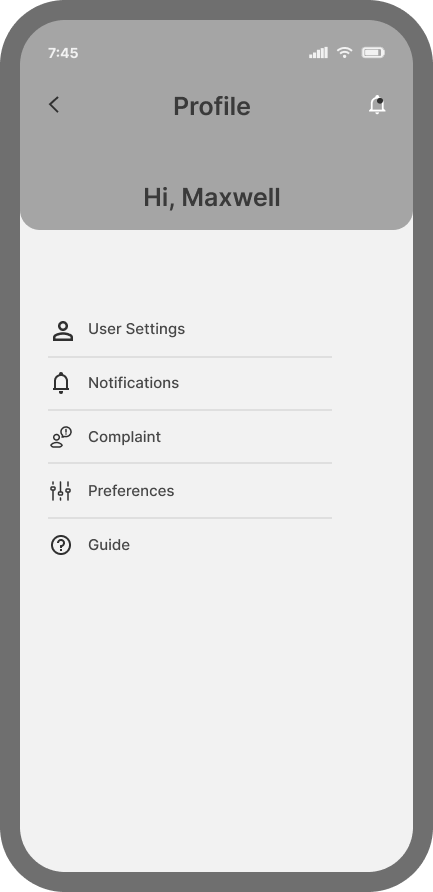
Wireframe and LowFi Screens
User Flows
HiFi Screens
Prototyping
Handoff
Research
In other to get a deeper understanding on how previous home owners manage projects and tasks in their home how maintenance and schedules are done and how they locate service providers for these projects, I uncovered that most of the previous home owners did indeed prevent costly repairs and detect issues before they became more severe, they researched for company with good reputation and affordable quotes for their projects.
They also were always looking for trusted resources where they can learn to do some of the common tasks themselves, or even trusted referrals when they needed professional help.
We also conducted several interviews on new home owners and the same points where made by almost all of them which is being unable to find trusted professionals with affordable rates to help with their projects or trusted resources for DIY projects or even trusted referrals.
Thompson
“I very concerned about budget, that’s why always try to fix it myself first before calling a pro.”
Thabo
“I enjoy DIY repairs, I am very handy so I always fix myself mostly from YouTube, only get a pro when it becomes clear the task is beyond me.
David
“I am not very handy so I always check for low cost maintenance, but it’s always difficult to get the right fit for the job when on budget, because when it happens out of the blue, there really isn’t always budget for it”
Conceptualization
During the Conceptualization process questions were asked what if there was a central place where they can get all of these what will they like to see in it, how will that like to navigate it what features will they expect it have. These questions helps us shape the flow of the app based on what these users want to see and how they would like to navigate the app, my team and I then put together several flow map that allows users to complete tasks.
Design
During the beginning phase of the wireframe and Low fidelity design numerous options were explored with iteration for each user flow which was presented to the team during our sessions, client made it clear he wanted all users to be authenticated to bridge any unforeseen security issues and maintain the integrity of the system but knowing all uses within the network who wants to use the service
Wireframes and Low FI
User Flow and Site Map
In this section, please zoom and pan to view full details of the flow and map
User Flow
Site Map
User Flow
Site Map
High Fidelity Screens
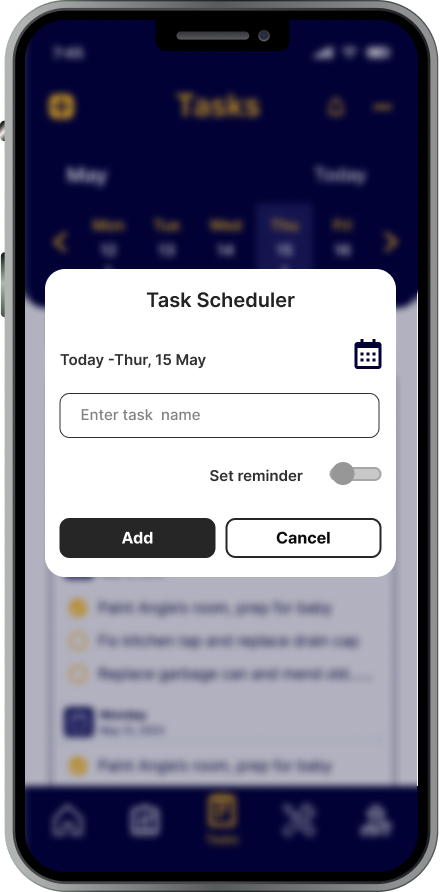
I used clients feed back on the wireframe and low fidelity to begin implementing iterations and colors to the initial style to create the first initial HiFi Screens. I collaborated with another designer colleague on iterations and concept,
Interactive Prototype
Using Figma to develop a prototype of each route. With several iterations in-between, then finally found what works well and continued to work on elements that were not as clear or impaired the usability of the app.
Developer handoff
While awaiting feedback from the client on the HiFi screens, we began working on the developer handoff. using a plugin called Measure to show the spacing and padding between elements as well as leave annotations on each of the screens for the developers to follow. This ensured all spacing and padding was accounted for and interactions were described so that there was no guessing how something happened in a user flow.